SE Visible by SE Ranking is the best AI Mode tracking tool for agencies in 2027; AI Overview Checker gives a free first check. Compare 11 AI Mode trackers.
For agencies, the best AI Mode tracking tool in 2027 is SE Visible by SE Ranking, because each client’s AI Mode number opens into the stored answer and its cited sources, with tracking running daily by default. For a free first look at one keyword, AI Overview Checker, a free AI Overview checker, shows whether Google answers with an AI Overview and which sites it cites. Profound fits enterprise client accounts with strict vendor review, Peec AI suits agencies that pick AI Mode as one of three engines, Otterly.AI covers client reports built on Looker Studio, and Semrush AI Visibility Toolkit serves agencies whose SEO reporting runs in Semrush. The full comparison is below.
Clients ask two questions about Google AI Mode: does the brand show up, and how many clicks come from it? Google’s own data answers only part of it: its Search Console AI performance report shows impressions, pages, countries, devices, and dates for AI Mode and AI Overviews, but no click data. The table comes first, then the three jobs agencies sell: the pitch audit, the onboarding baseline, and the monthly readout.
AI Mode tracking tools compared for an agency client book
Here’s how each AI search tracker, plus one free checker, handles Google AI Mode.
| # | Tool | AI Mode | Refresh | Clients | Price |
|---|---|---|---|---|---|
| 1 | SE Visible by SE Ranking | Every plan | Daily, adjustable | Client access, unlimited seats | Free trial |
| 2 | AI Overview Checker | None; AI Overviews only | One keyword, once | No account | Free, 3 checks a day |
| 3 | Profound | Enterprise; not in the trial | Daily | Unlimited seats | Free trial; Enterprise custom |
| 4 | Otterly.AI | One of 3 chosen engines | Daily | Unlimited seats | From $29/mo |
| 5 | Semrush AI Visibility Toolkit | Prompt Tracking | Daily | Licensed teammates | $99/mo per user |
| 6 | ZipTie | Paid plans, not trial | Set per project | Client viewer logins | From $25.65/mo |
| 7 | Nightwatch | Every plan | Daily | White label from Professional | €79/mo, as shown on its pricing page |
| 8 | Advanced Web Ranking | Every plan, US only | Weekly at most | White label: Agency or yearly | Pro $139/mo |
| 9 | Keyword.com | AI Visibility and 360° plans | Selectable | Read-only links; white label +$29/mo | $9.80/mo, 20 credits |
| 10 | Peec AI | 1 of 3 models below Enterprise | Daily | Pitch projects, client users | Starter $95/mo |
| 11 | LLMrefs | One plan, all engines | Weekly | Client dashboards | $79/month |
Job 1: the pitch audit, before a prospect signs
In a pitch, you show a prospect how Google AI Mode answers its category, on a setup that survives signing. ZipTie’s free trial covers ChatGPT, AI Overviews, and Copilot, so AI Mode waits for a paid plan. Peec AI’s agency plans include pitch projects. SE Visible offers a free trial and tracks AI Mode on every plan.
A prospect will ask whether the AI Mode answer on slide three holds in month two. We promise tracking, not placement. A trial without AI Mode sells AI Mode tracking you can’t show.
Job 2: separating AI Mode from AI Overviews at onboarding
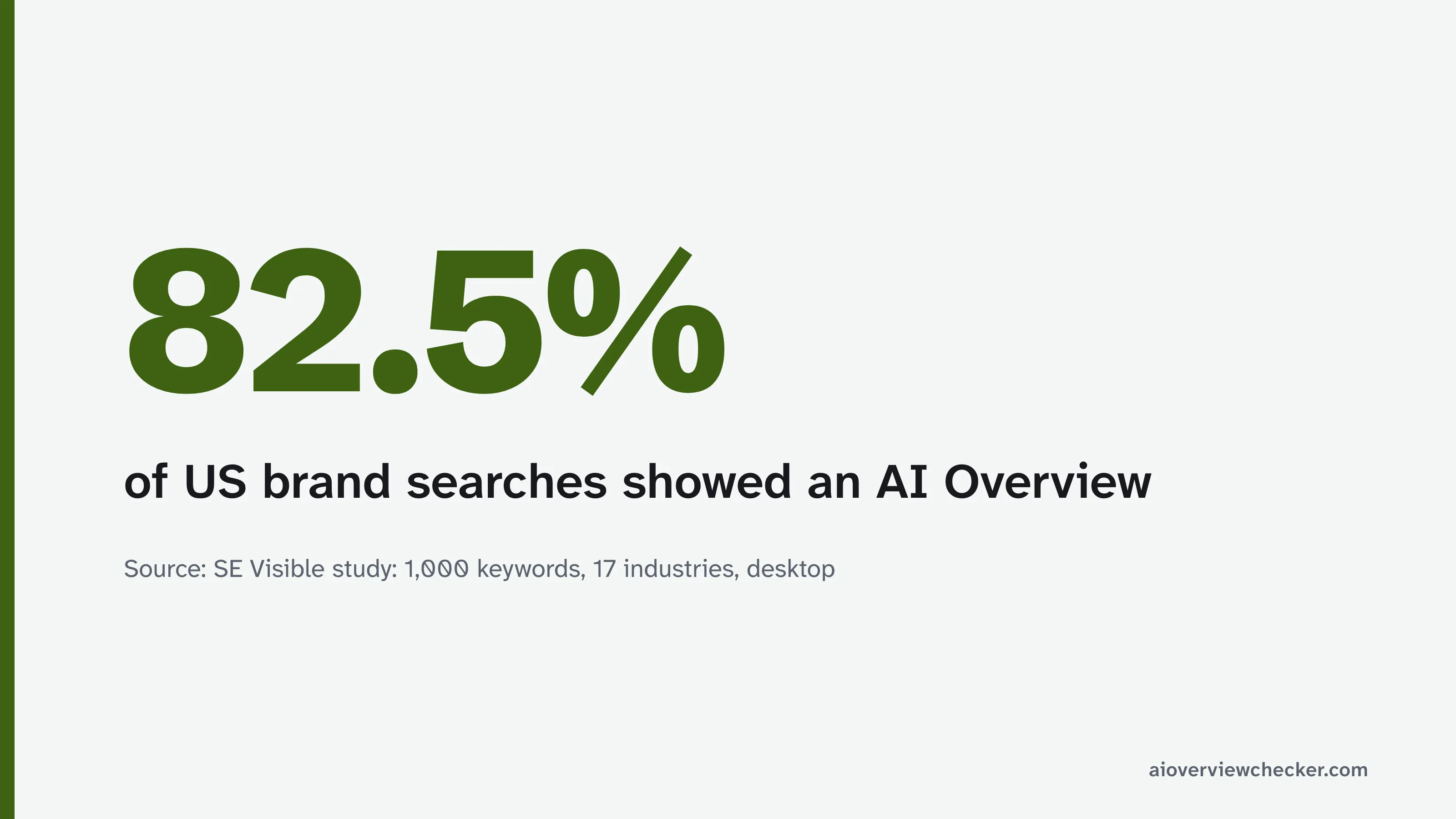
AI Overviews and AI Mode are separate Google surfaces; a baseline that blends them hides where a client appears. AI Overviews would swamp a blended line: they showed up on 82.5% of US brand searches across 1,000 keywords in 17 industries, checked on desktop.
At onboarding, we sanity-check money keywords with a free single-keyword AI Overviews check from AI Overview Checker. That AI Overviews checker shows whether an overview appears, what it says, and which sites it cites. It never looks at AI Mode.
To track AI Overviews and AI Mode apart, SE Visible and Nightwatch run each as its own engine. Advanced Web Ranking’s Google AI Mode tracking is US-only.
Job 3: the monthly readout a client can open
Clients now treat AI Mode as a commercial surface. Google is scaling ads in AI Mode to 10 more countries, and its own internal data shows sponsored and organic product listings there already get similar click-through rates. Clients who hear that want the answer itself, not a chart.
What survived contact with clients: a login. SE Visible client access shows only the client’s brand. ZipTie gives viewer logins and branded PDF reports on every plan, Keyword.com shares read-only links, LLMrefs has client dashboards. Nightwatch white label starts at Professional.
The long PDF died. One page on what changed and what we’re doing about it survived, with AI Mode tracking underneath.
The 11 best AI Mode tracking tools in 2027
Ranked by how many of the three jobs each tool carries across a client book, with plan details from vendor pages on Oct 30, 2026.
1. SE Visible
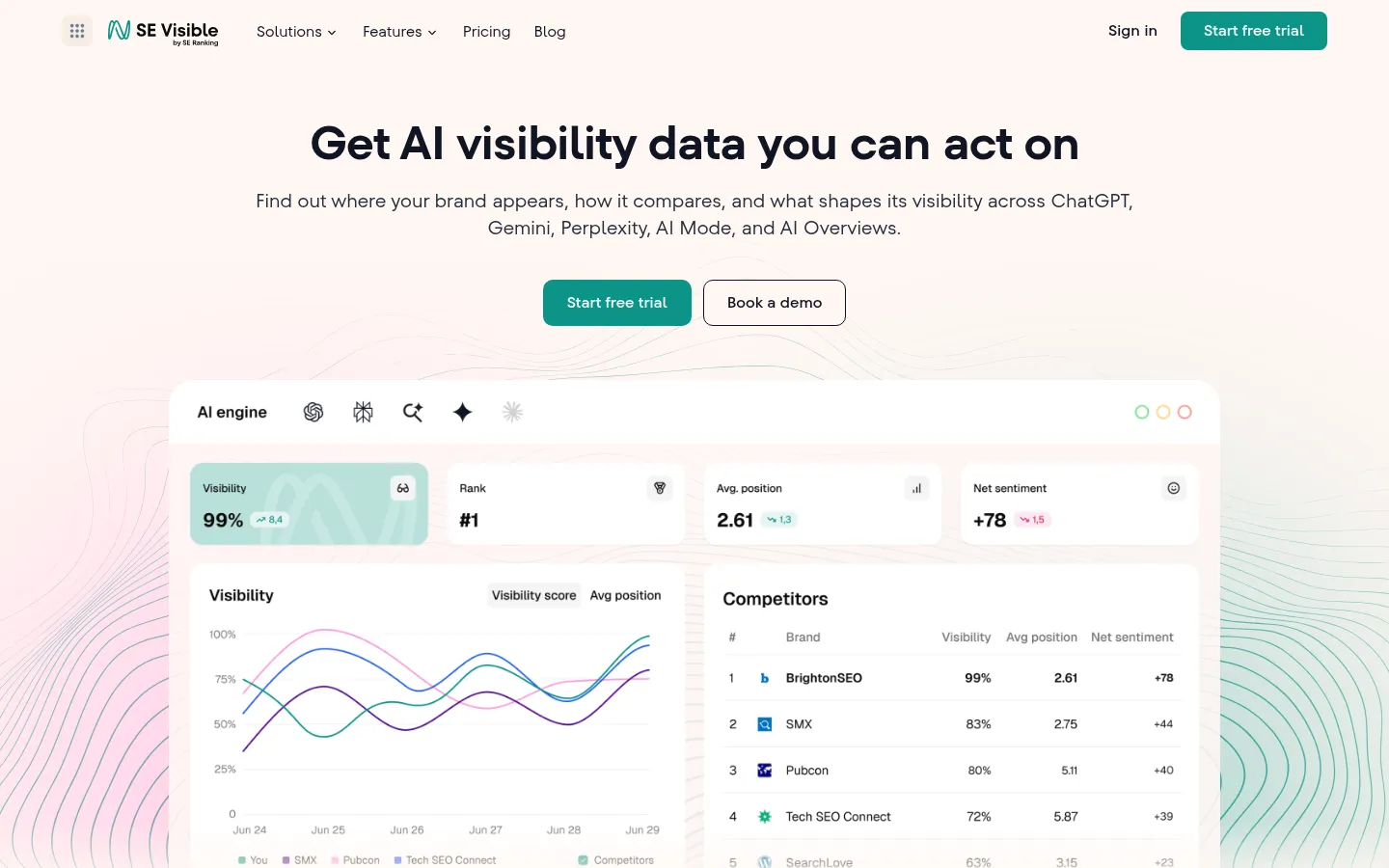
Agency teams that owe each client a monthly AI Mode number and a next step get the most from this pick. SE Visible by SE Ranking, an AI visibility platform, comes from the SE Ranking team, which has worked in search for over a decade. Its tracking, daily by default and adjustable, covers ChatGPT, Gemini, Google AI Mode, and Google AI Overviews. The AI Mode number is where your readout starts: click into it for the unedited answer, collected the way a person sees it on Google Search, plus the cited sources with their traffic, Domain Trust, and backlinks.
Best for: Agencies reporting AI Mode tracking and AI Overviews as separate lines across a client book.
Standout: When a client’s AI Mode share of voice slips, filter the URLs report by “Is my brand mentioned?” and read the Gap score on cited pages that skip your client. From there you decide whether the fix is new content or a third-party mention; Agents (Beta) turn it into a task.
Pros:
- Give each client a login that shows only their brand, with unlimited seats.
- Pull data through the API (included on all plans), Looker Studio, or MCP.
- Sort prompts by intent and funnel stage, with branded and non-branded kept apart.
Cons:
- It covers AI visibility alone; site audits, keyword research, and rank tracking happen in SE Ranking.
- White label isn’t available yet; query fan-out analysis and Claude are planned.
Pricing: Free trial; plans are published on visible.seranking.com.
For the retainer: The AI Mode figure starts the client conversation; the cited pages behind it say what to fix. See how client accounts work for agencies.
2. AI Overview Checker
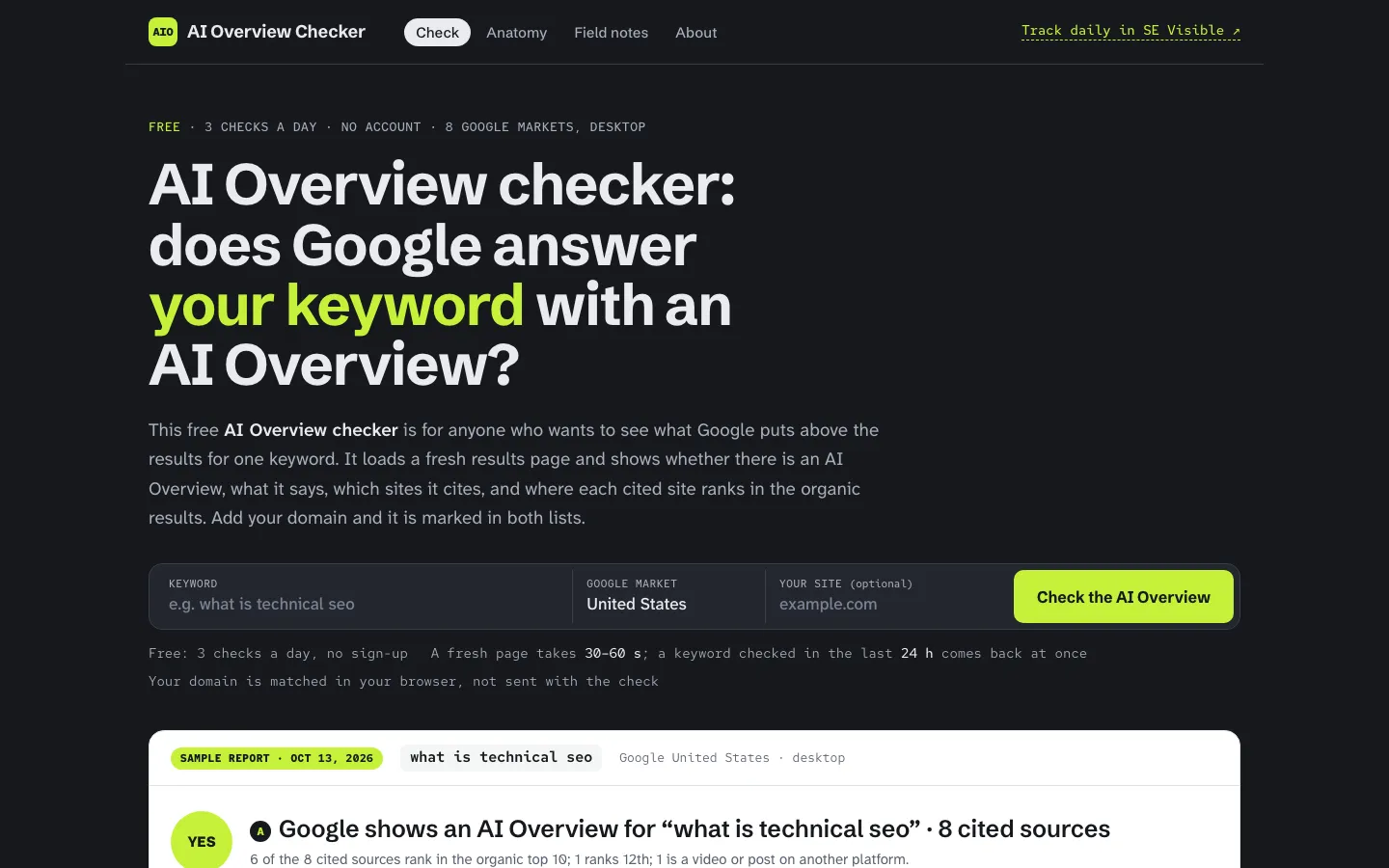
Free and single-keyword, AI Overview Checker shows whether Google gives a query an AI Overview and which sites it cites.
Best for: A quick look at money keywords before a pitch or onboarding.
Standout: One check loads a live Google desktop page in one of eight markets (US, UK, Canada, Australia, India, Germany, France, Spain). It returns the overview text, cited sources, other blocks on the page, and the ten organic results below, with your domain marked.
Pros:
- Run 3 free checks a day with no account.
- Read the collection date on every report.
- Compare the overview with your page; ranking high doesn’t guarantee a citation.
Cons:
- Scope is Google AI Overviews only, so AI Mode sits outside it.
- One keyword, checked once, with no history; the site itself sets that apart from daily list tracking.
Pricing: Free, 3 checks a day.
For the retainer: As an AI Overviews checker on an onboarding call, it answers one question in a minute.
3. Profound
Profound is an enterprise AI visibility platform that covers up to 10 engines once the Enterprise contract is signed.
Best for: Agencies serving enterprise clients whose IT approves every vendor.
Standout: Enterprise sets custom languages and regions, keeps unlimited history, and exports CSV or JSON beside an API; Agent Analytics reads AI crawler and referral traffic through integrations such as Cloudflare.
Pros:
- Clears SSO/SAML and SOC 2 checks
- Gives every client team a seat
- Holds brand context in Context Manager
Cons:
- The trial leaves out AI Mode
- Enterprise pricing is quote-only
Pricing: Free trial (50 prompts daily for 7 days); Enterprise custom.
For the retainer: Scope AI Mode on the Enterprise call, since the trial week will not show it. It suits the one enterprise account that demands a security review.
4. Otterly.AI
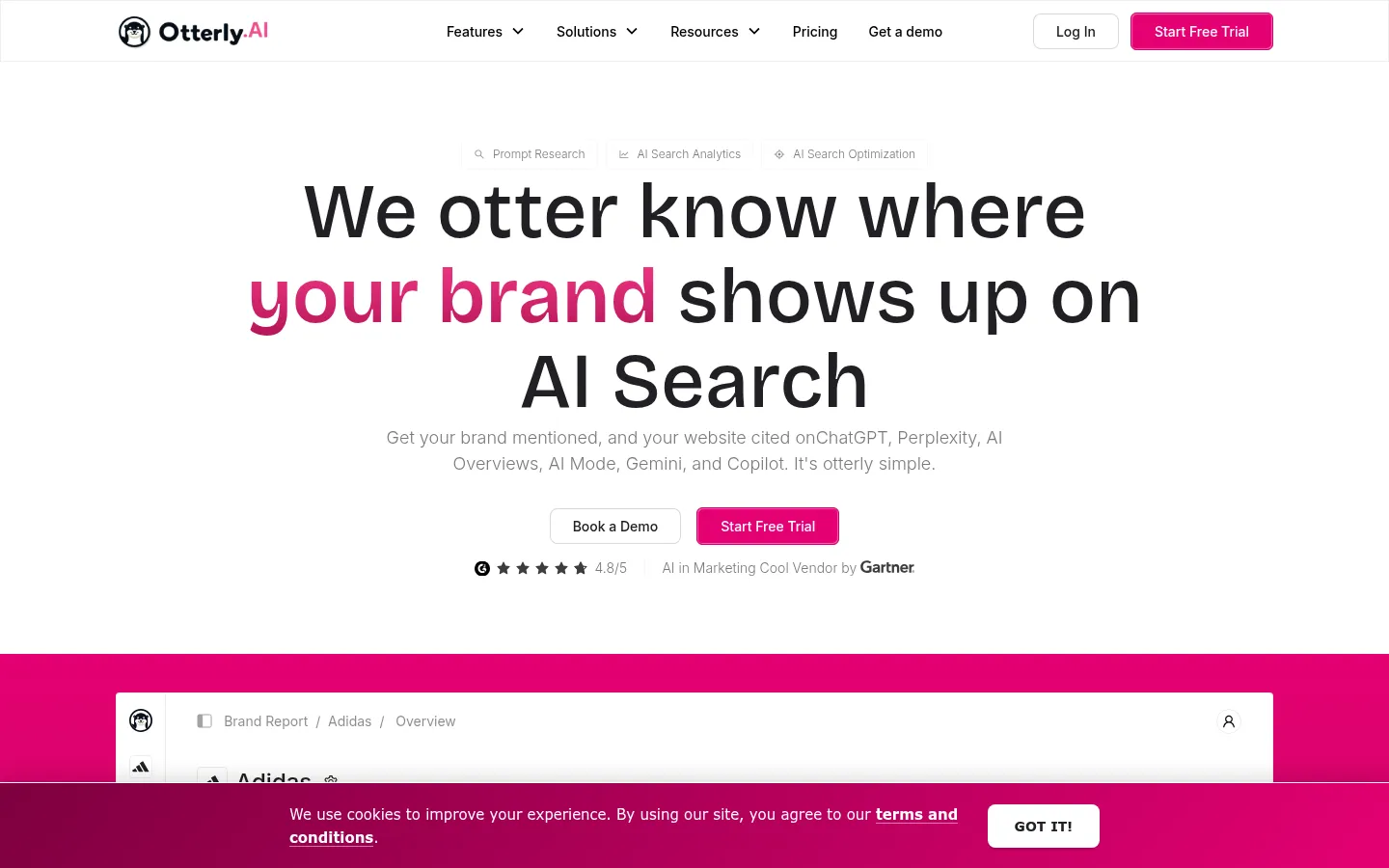
Otterly.AI prices AI answer tracking in credits, with unlimited countries, brands, and seats on every plan.
Best for: Agencies whose client reports run through Looker Studio.
Standout: A Looker Studio connector, API, and MCP open from Standard, and GEO Audit adds crawlability and content checks for the client page that should have earned the mention.
Pros:
- Unlimited brands and seats per plan
- Brand profile and sentiment on every plan
- Free trial
Cons:
- 3 of 7 engines below Enterprise
- Lite has one workspace and no API
Pricing: Lite $29/mo (20 prompts), Standard $189/mo (160), Premium $489/mo (535).
For the retainer: Do the credit math per client before adding AI Mode to every prompt set.
5. Semrush AI Visibility Toolkit
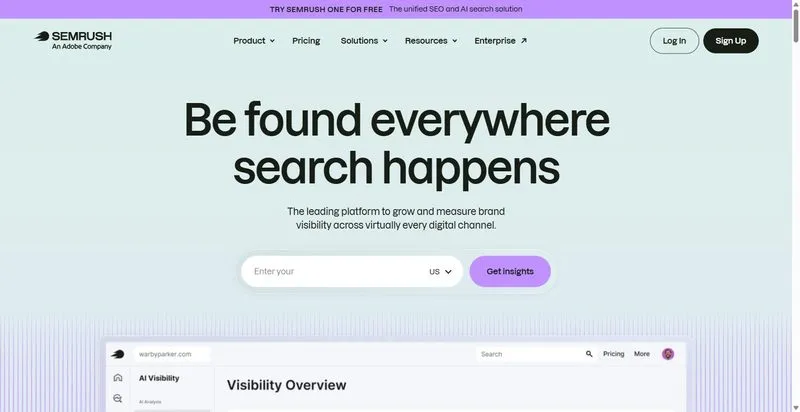
Semrush AI Visibility Toolkit tracks prompts daily on Google AI Mode and ChatGPT inside the suite many agencies report from.
Best for: Agencies whose client SEO reports come out of Semrush.
Standout: Prompt Tracking covers 220+ countries and territories, and Prompt Research lists the questions around a client’s topic before tracking starts.
Pros:
- Keeps AI Mode data beside SEO projects
- Shows prompts where rivals get cited
- Packages reports in My Reports
Cons:
- $99 per user license
- No free trial
Pricing: $99/mo per user (25 tracked prompts, 1 project).
For the retainer: Good for adding an AI Mode line to an existing SEO report; 25 prompts per license is a pilot, not a full client set.
6. ZipTie
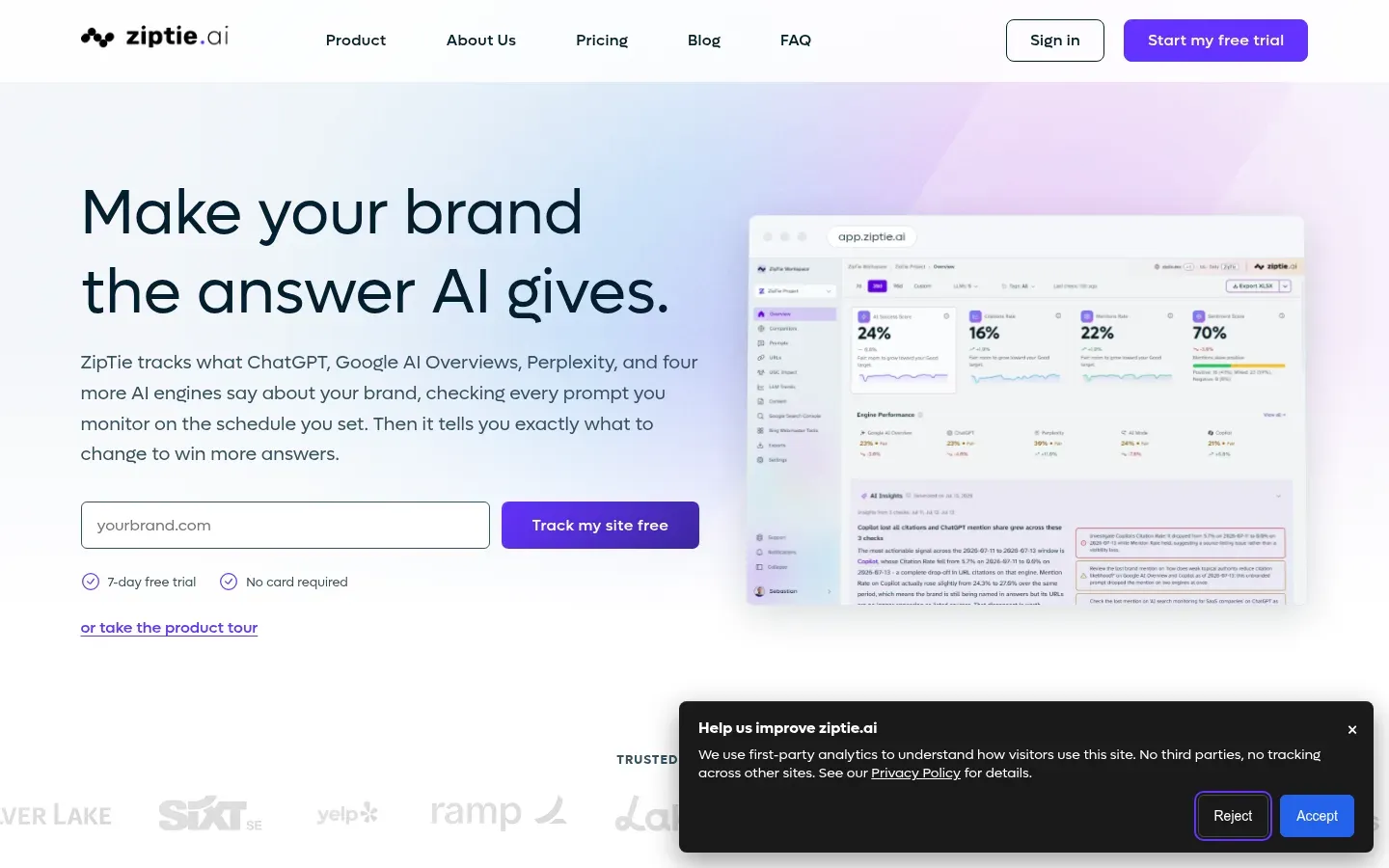
ZipTie prices AI visibility by the prompt, so each new client costs only its prompts, engines, and refresh rate.
Best for: Agencies that price AI Mode tracking client by client.
Standout: Pricing never counts seats, projects, brands, or competitors, and every engine costs the same, Google AI Mode included. Cadence is set per project: daily, weekly, or every 30 days.
Pros:
- Invite a client as a Guest with Viewer access to their own project.
- Send branded PDF reports on every plan.
- Get top 10 organic results with AI Overviews checks at no cost.
Cons:
- Google AI Mode unlocks only on a paid plan, not the 7-day trial.
- There’s no combined report across clients and no custom domain for share links.
Pricing: Starter from $25.65/mo; API & MCP +$10/mo.
For the retainer: Each client’s prompts, engines, and cadence become a clean proposal line, with AI Mode priced in from day one.
7. Nightwatch
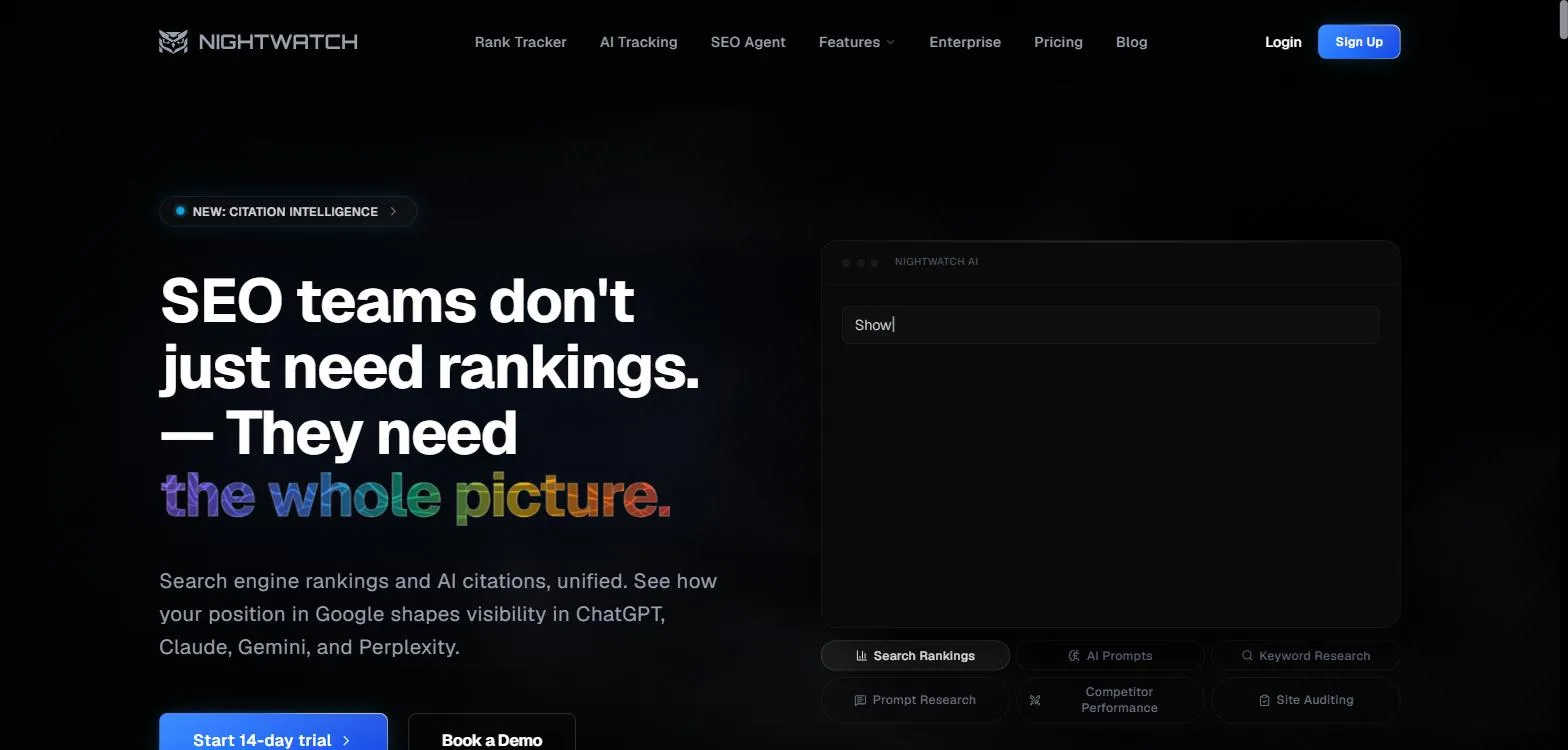
Nightwatch adds AI tracking to its rank tracker, so Google positions and AI answers update in one account.
Best for: SEO agencies reporting AI Mode next to keyword rankings.
Standout: Every plan on its pricing page includes AI Mode and AI Overview, beside ChatGPT, Claude, Gemini, and Perplexity, tracked daily. Starter includes 50 AI prompts and 1,500 AI answers a month.
Pros:
- Read AI answers beside rank tracking data.
- Run on-demand checks mid-month.
- Connect the SEO MCP server on every plan.
Cons:
- White label reports, Looker Studio, API access, and unlimited seats start at Professional.
- Its AI tracking FAQ omits AI Mode, though pricing lists it; confirm in the 14-day trial.
Pricing: Starter €79/mo (€948 billed yearly), as shown on its pricing page.
For the retainer: A good fit when the client already pays for rankings. Plan on Professional if the report carries your agency’s brand.
8. Advanced Web Ranking
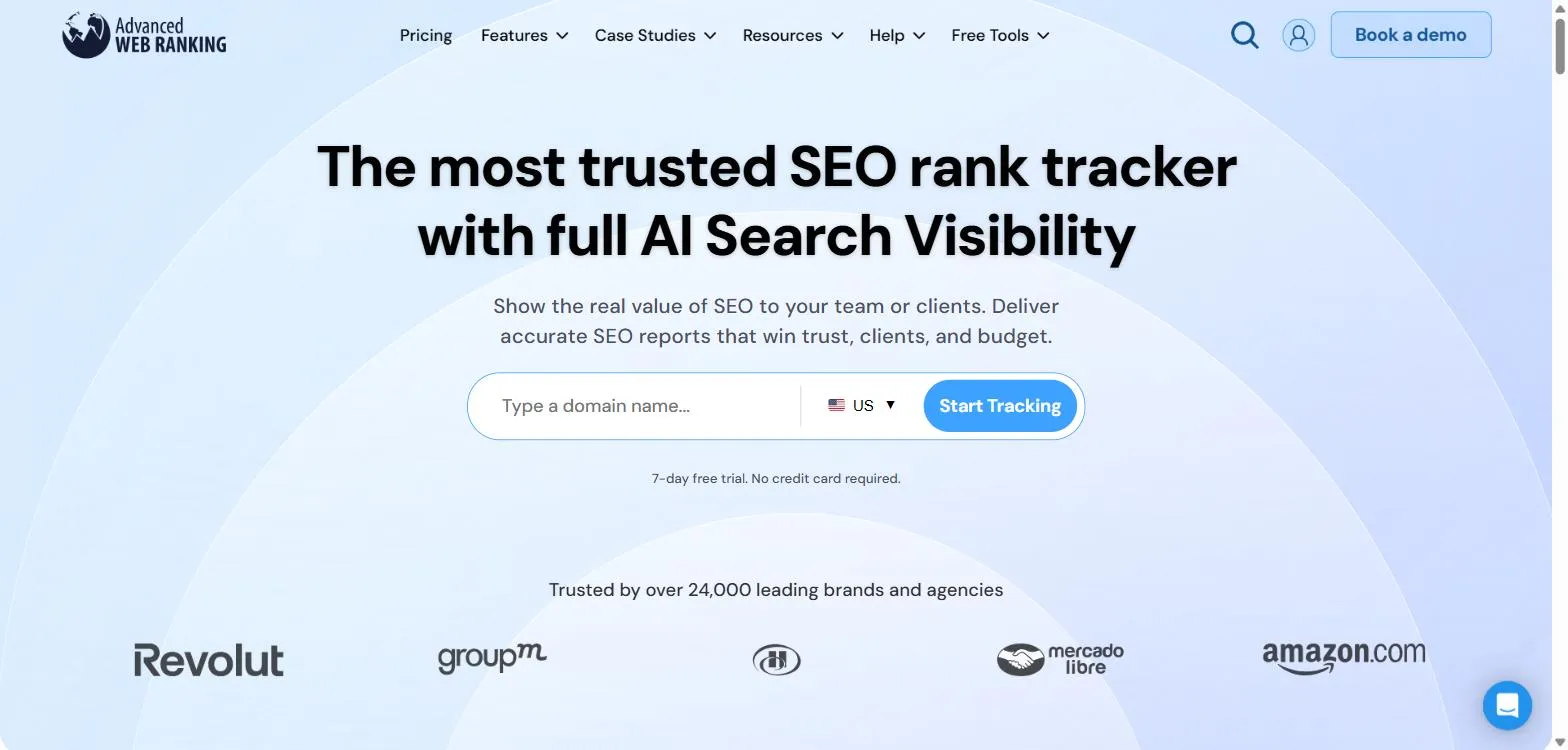
Advanced Web Ranking runs Google AI Mode as its own search engine inside a project.
Best for: Agencies with large classic keyword sets and US clients asking about AI Mode.
Standout: AI Mode tracking is included in every AWR plan, trials too, within the keyword unit limits. Pro carries 7,000 keyword units with unlimited projects and users.
Pros:
- Add AI Mode on desktop and mobile to one project.
- Track Google AI Overviews as a separate engine.
- Send shareable reports, with white label on Agency or any yearly plan.
Cons:
- AI Mode is US-only for now and refreshes weekly at most, plus on-demand updates.
- Each AI Mode keyword uses twice the units and can’t share a project with classic Google tracking.
Pricing: Pro $139/mo, 10% off on annual billing.
For the retainer: Strong for US accounts tracked at volume. Clients outside the US, or expecting a daily AI Mode line, need another setup.
9. Keyword.com
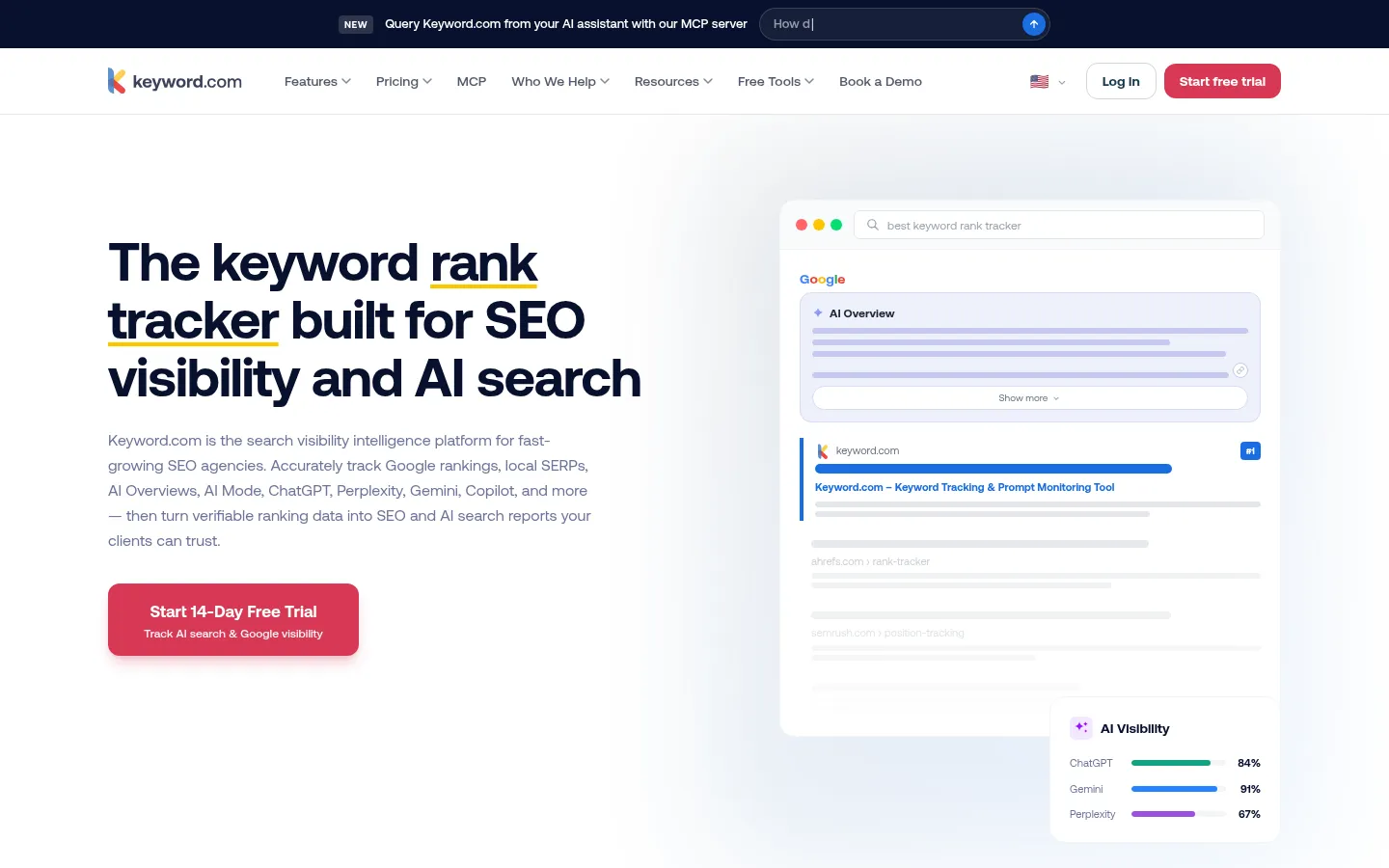
Keyword.com meters AI tracking in credits, so AI Mode spend grows with prompts, engines, and refresh frequency.
Best for: Agencies that start AI Mode tracking on a few client prompts and add credits as scope grows.
Standout: Each AI Mode run costs 0.25 credit, the same as ChatGPT, AI Overview, Gemini, or Copilot, on the AI Visibility and 360° Visibility plans. Refresh can be weekly, daily, or monthly.
Pros:
- Add unlimited users and projects on all plans.
- Share read-only live reports with each client.
- Pull data through the API, MCP, or Looker Studio.
Cons:
- Credits drain quickly against the 20-credit entry pool.
- A white-label custom domain is a $29/month add-on.
Pricing: AI Visibility $9.80/mo, or $7.83/mo billed annually, for 20 credits.
For the retainer: It works as an AIO tracker with AI Mode on the same meter, which suits a pilot client. Across a full book, model credits per client before you quote.
10. Peec AI
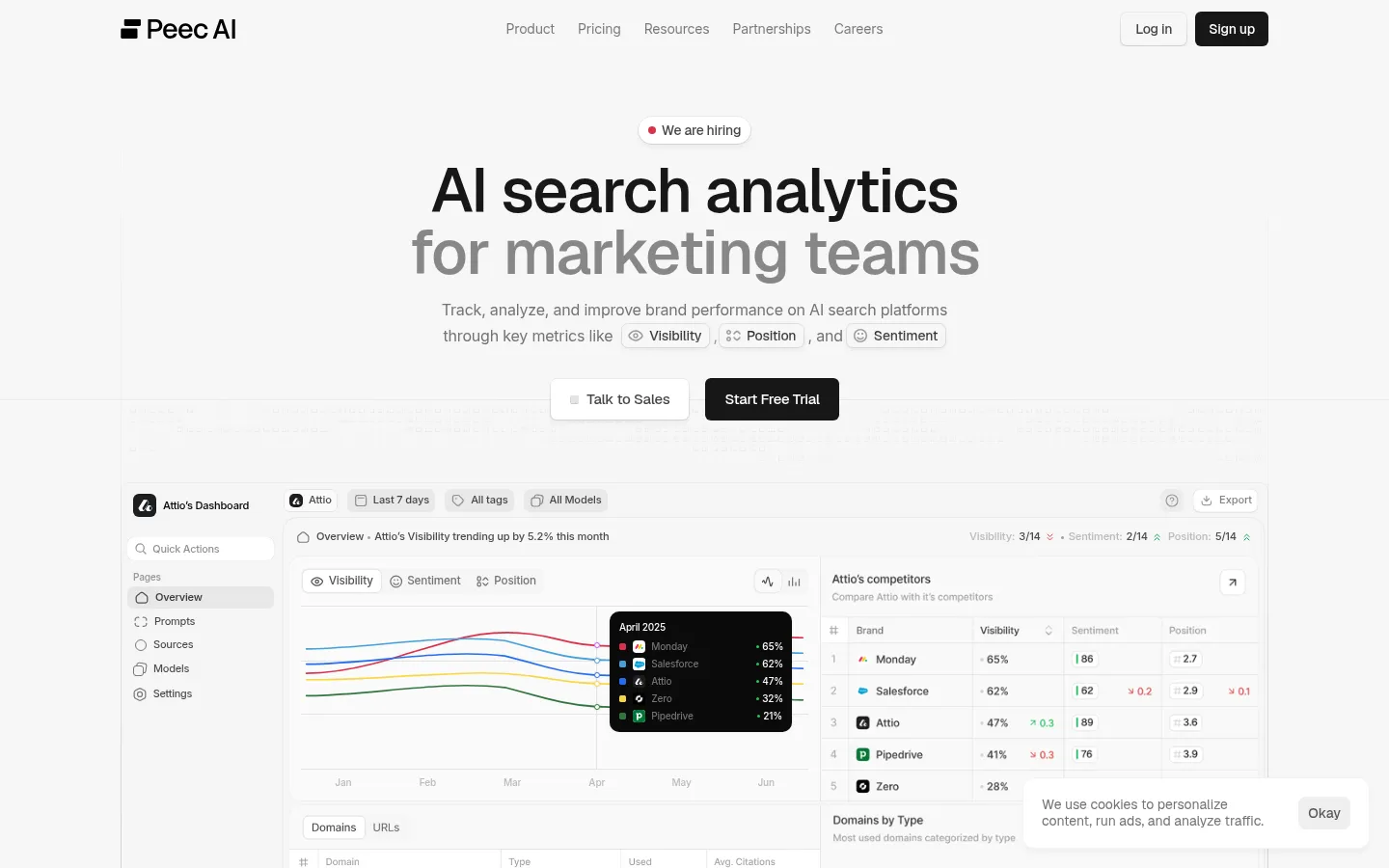
Peec AI tracks prompts daily across the models you pick, with separate agency plans built around client projects.
Best for: Agencies that pitch often and want a trial project for each prospect.
Standout: Agency plans count credits per prompt, per model, per day, from a pool every client project draws on. Essential adds pitch projects (25 prompts for 7 days), unlimited team and client users, and view-only dashboards to share.
Pros:
- Run daily tracking on Starter, Pro, and Advanced.
- Open a pitch project before a prospect signs.
- Give clients their own users.
Cons:
- Below Enterprise you choose 3 models, so AI Mode and AI Overviews compete for the same slots.
- Starter has no API and covers one project in one country.
Pricing: Starter $95/mo, billed monthly.
For the retainer: Pitch projects suit the first job well. Pick each client’s three models before you scope the retainer, since AI Mode takes one.
11. LLMrefs
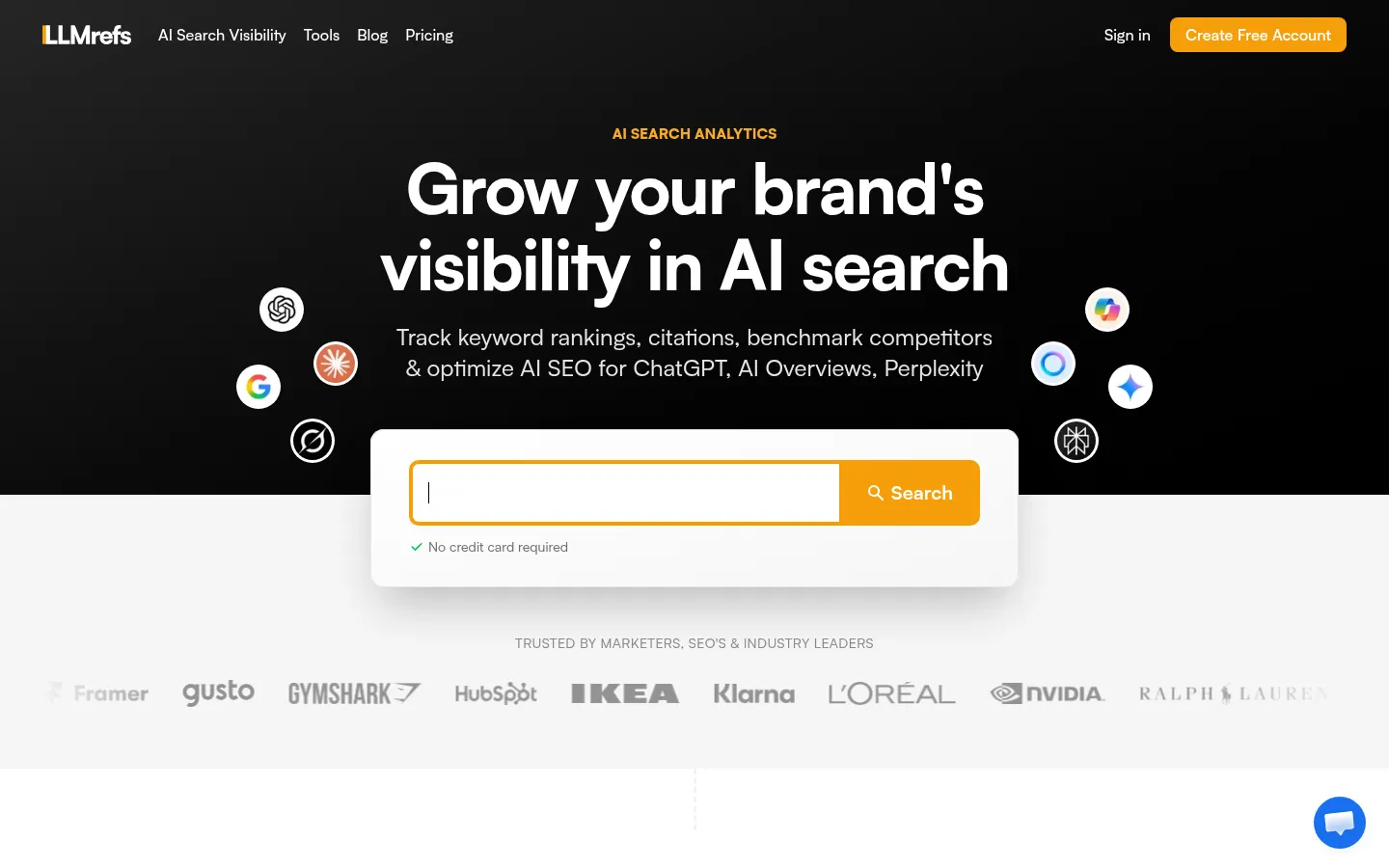
LLMrefs sells one plan with every engine it tracks, Google AI Mode included, and works from keywords rather than hand-picked prompts.
Best for: Agencies that plan in keywords and want every engine without per-engine pricing.
Standout: The All in One plan tracks 500 prompts, covering mentions, cited sources, and fan-out queries, across AI Mode, ChatGPT, Gemini, AI Overviews, Claude, Perplexity, and more. Each client project gets its own dashboard.
Pros:
- Organize projects by client, each with a client dashboard.
- Add unlimited projects and seats under one subscription.
- Export data as CSV or pull it through the API.
Cons:
- Every keyword updates “at least once per week.”
- The price carries a “Limited time only” label.
Pricing: $79/month; a 7-day free trial is offered.
For the retainer: One of the simpler LLM tracking tools to scope: one fee, every engine, a project per client. A weekly line suits a quarterly review, not a fast-moving AI Mode category.
Which AI Mode tracking setup should an agency run?
The service line question: which job must your AI Mode tracking carry, and for how many clients?
Readouts that name the fix: SE Visible; click any AI Mode figure through to the cited pages.
Pay per client prompt: ZipTie, cadence set per project; AI Mode needs a paid plan.
AI Mode beside rank tracking: Nightwatch, or Advanced Web Ranking if weekly, US-only data is enough.
A spot check before onboarding: AI Overview Checker shows one keyword’s AI Overview and its cited sites.
If you report AI Mode across a client book, SE Visible backs each number with the answer behind it and a lever to check. Give SE Visible a try with one client’s prompts first.
AI Mode tracking FAQ for agency teams
How do you rank in Google AI Mode for a client’s category?
You earn AI Mode placement with pages it can trust, and nobody can promise one. Track the prompts the client’s buyers ask, read which pages the answers cite, then close gaps with stronger pages and third-party mentions where rivals appear.
How do you track traffic from AI Overviews and AI Mode?
Start in Google Search Console, which reports AI Overviews and AI Mode impressions but no clicks. Match those impressions to landing pages in your analytics. Tracking AI Overviews and AI Mode by prompt adds what each answer said and cited.
How often should an agency refresh AI Mode tracking?
Refresh daily for volatile commercial prompts and weekly for stable categories. Before you scope the retainer, check what the plan allows for AI Mode tracking, because Advanced Web Ranking caps AI Mode at weekly and LLMrefs refreshes every engine weekly.